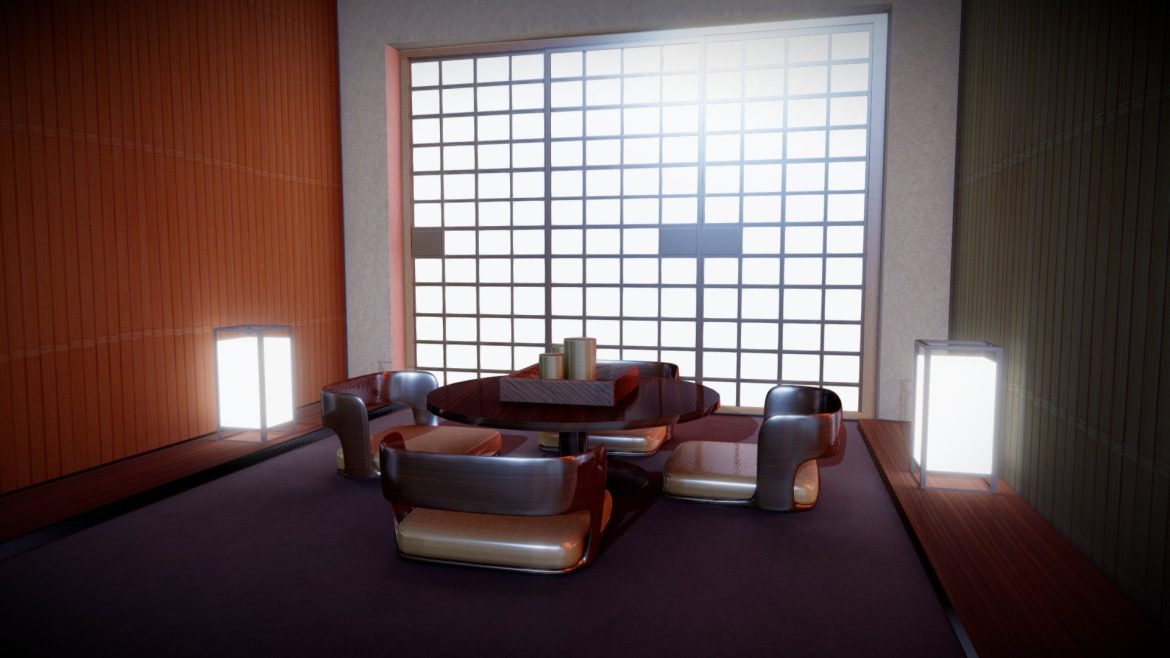
To rotate the real-time and HDR lights in a Sketchfab scene, hold down the ALT key and left-click and drag your mouse or finger on the trackpad. On mobile, use 3 fingers to drag. It’s a great way to light your scene or discover new details! Learn about this and other viewer features in our Help Center.Original model ‘Room‘ published by Anex under a Creative Commons Attribution license.
Your Recently Viewed Downloads
 Chromosome structure
  Real-time Material Demo: Subsurface scattering
  Tuk Tuk three wheelers taxi car
 You must log in and be a buyer of this download to submit a review.
| ABOUT THE SELLER |
 |
| SELLER-USER-NAME | Sketchfab |
| 3D Model formats | FBX, OBJ, BLENDER, TEXTURES, Materials |
| 3D Model details | VR / AR / Low-poly, Textures, Materials, UV Mapping, Scale transformations |
| Triangles | 23.8k |
| Vertices | 23.5k |
| Category | Architecture |
| Tags | blender, japanese, room |